
SparkShipping now supports Multi-User access for BigCommerce. Steps for turning this on in SparkShipping:
- Navigate to your site
- Navigate to the Custom Settings page
- Scroll down until you locate the option for Enable oauth login from BigCommerce and then simply check the box next to it to activate this feature.
- Click Update Custom Settings to save.
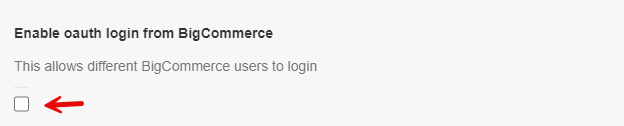
When this option is on, other users of your BigCommerce store who open the Spark Shipping app from the BigCommerce control panel are signed in to your Spark Shipping account. Spark Shipping staff accounts cannot be used this way.
The option is only shown for Spark Shipping accounts that were created in Spark Shipping. If your account was created by installing the app from BigCommerce, the page shows your User datasource ID instead and BigCommerce users already sign in through the app.