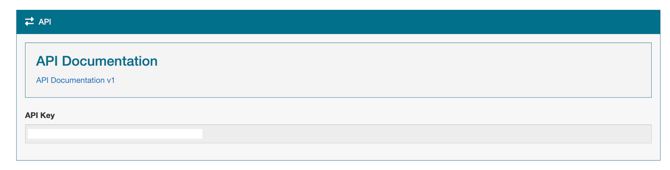
API access is available exclusively to users on the Growth or Premium plans. If your subscription includes API access, you can find your key by following these steps:
- Navigate to your Profile page.
- Scroll to the bottom section of the page.
- Your unique API Key will be displayed in the API section, along with a link to the API Documentation v1. Click the eye icon to show the key, or Copy to copy it.
The API key belongs to your whole organization and is only shown on the account owner's profile. Admins see the documentation link and are asked to get the key from the account owner. If you are not on a plan with API access, the section says API Access is only available on the Growth or Premium plans.
Regenerate Key creates a new key. The old key stops working immediately, so update every integration that uses it. The key also stops working if your account moves to a plan without API access.