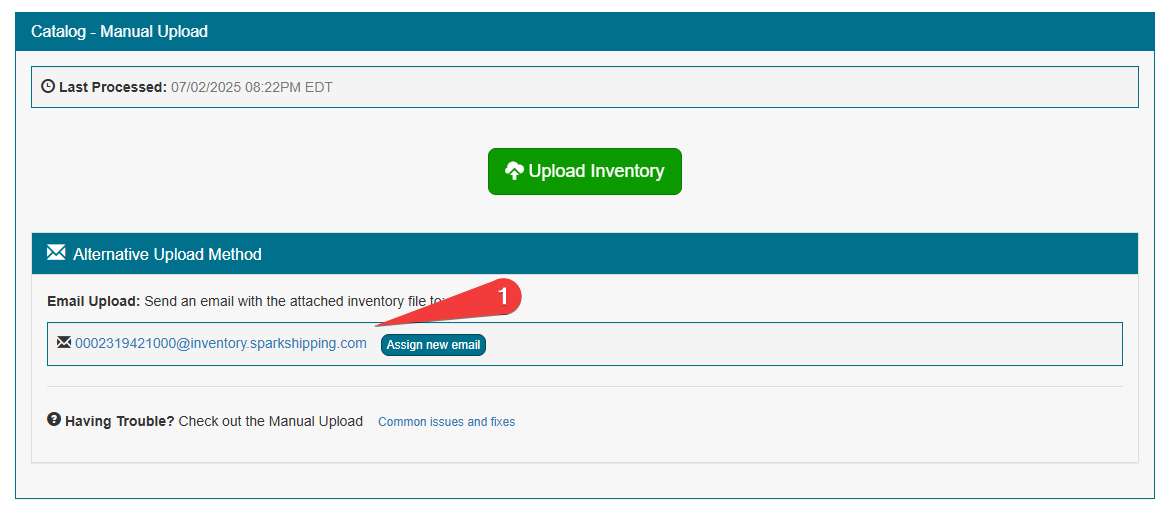
Spark Shipping generates an email address that you can use to send inventory attachments to for all inventory manual uploads. You may want a new address, for example if the current one was shared with someone who should no longer send files.
You can regenerate a new email address for inventory manual uploads by going to the vendor page > Upload Inventory > Assign new email (in the Alternative Upload Method section).
The old address stops working as soon as a new one is assigned, so give the new address to anyone who sends files to it. The Upload Inventory link only appears for inventory updates that use the Manual Upload strategy and have their column settings saved. PDF, JPG and PNG attachments are ignored; attach the inventory file itself.