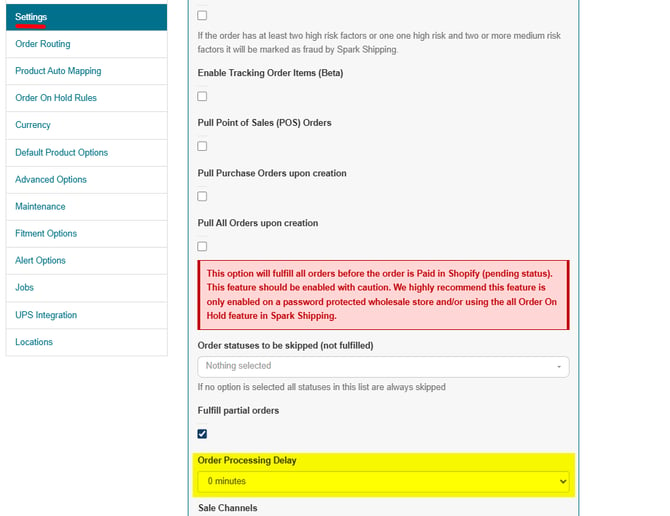
Users can add an Order Processing Delay in Spark Shipping to allow some time for order updates in Shopify before the order syncs into Spark Shipping. This is a setting that can be found on the site's Custom Settings page:
Go to Sites > Click on the site name > Custom Settings > Order Processing Delay, then click Update Custom Settings.
This Processing Delay will force Spark Shipping to only pull orders that have a Last-Updated timestamp in Shopify of more than the delay you specify under that setting. The Options are listed below:
- 0 minutes (no delay)
- 15 minutes
- 30 minutes
- 60 minutes
- 90 minutes
- 120 minutes
- 240 minutes
Because the delay is measured from the order's last update, any change made to the order in Shopify (for example adding a tag or a note) restarts the wait.
The same Order Processing Delay setting is also available on the Custom Settings page of eBay, Walmart, Amazon, BigCommerce, Magento 2 and Linnworks sites.